SignUp/SignIn in Palify
Overview
Palify offers a seamless and secure way for users to connect with their professional network through its Sign Up and Sign In pages. These pages provide multiple flexible authentication methods designed for both new and existing users, ensuring easy access to the platform’s features and benefits.
Palify Sign Up Page
The Sign Up page enables new users to create an account and join the Palify community. It highlights key platform benefits to engage first-time visitors and encourages smooth onboarding.
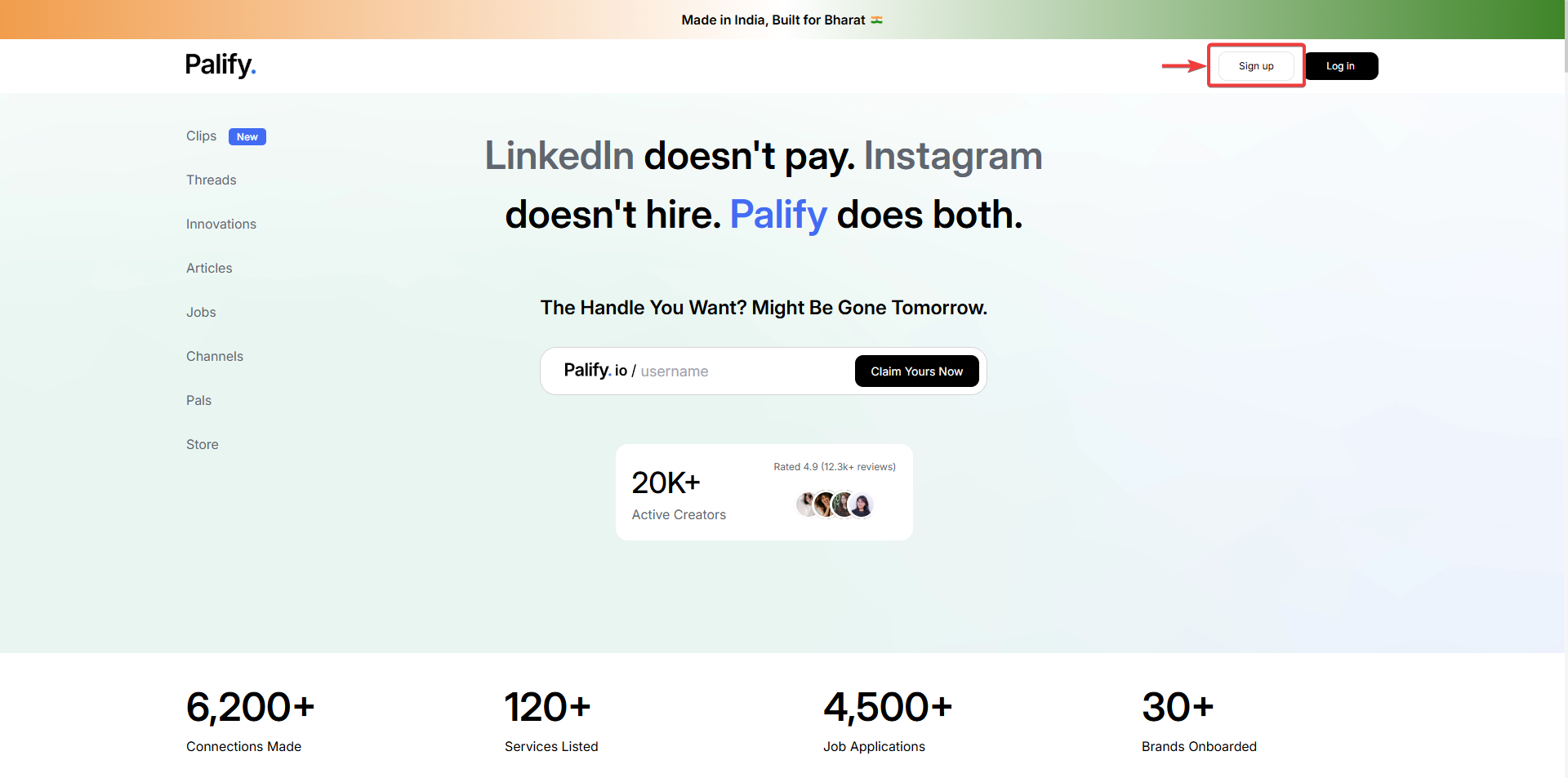
Sign Up Options
Continue with Google
- Clicking Continue with Google redirects you to the Google account sign-in page.
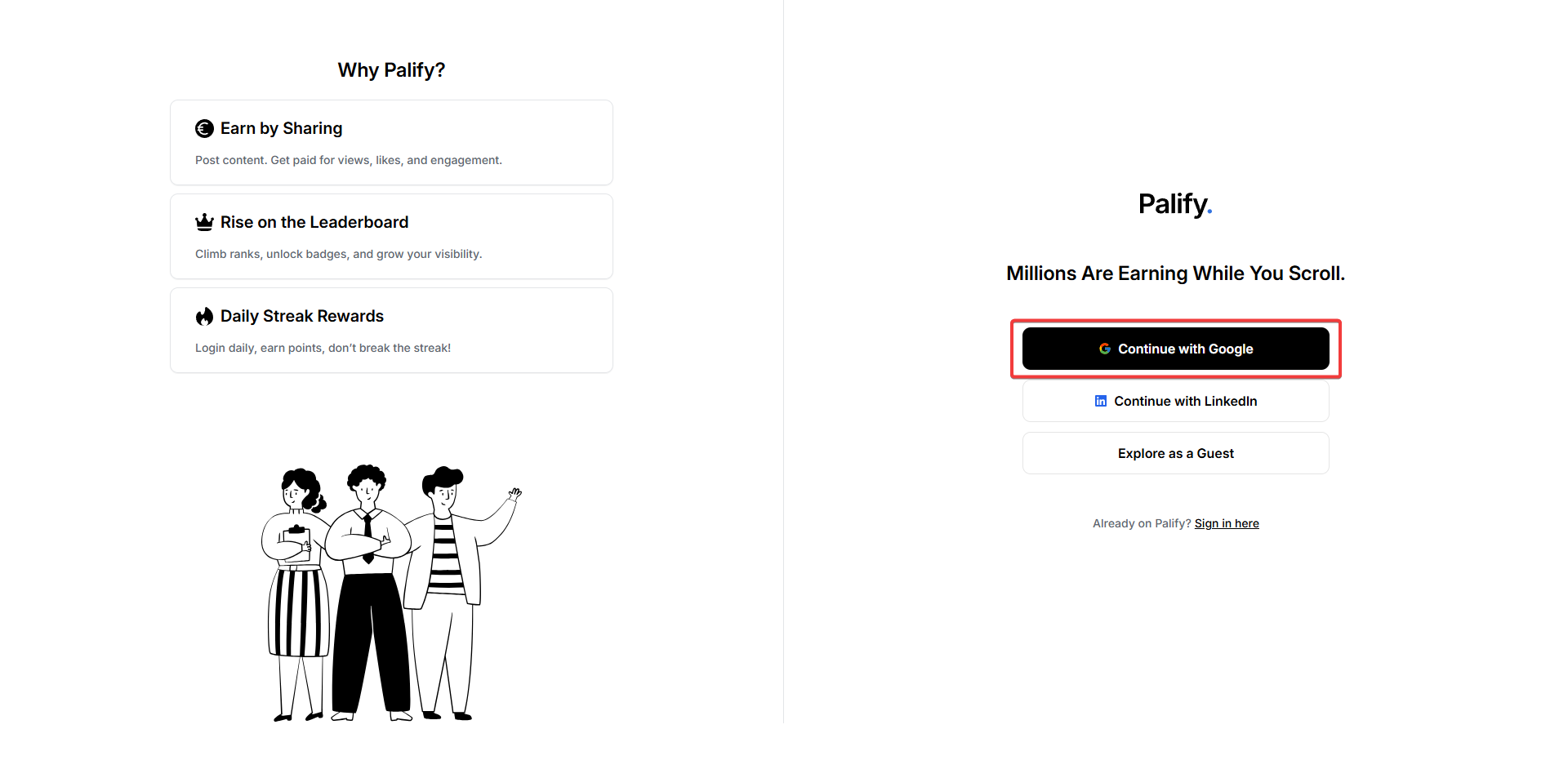
- Select your Google account or enter your credentials to proceed.
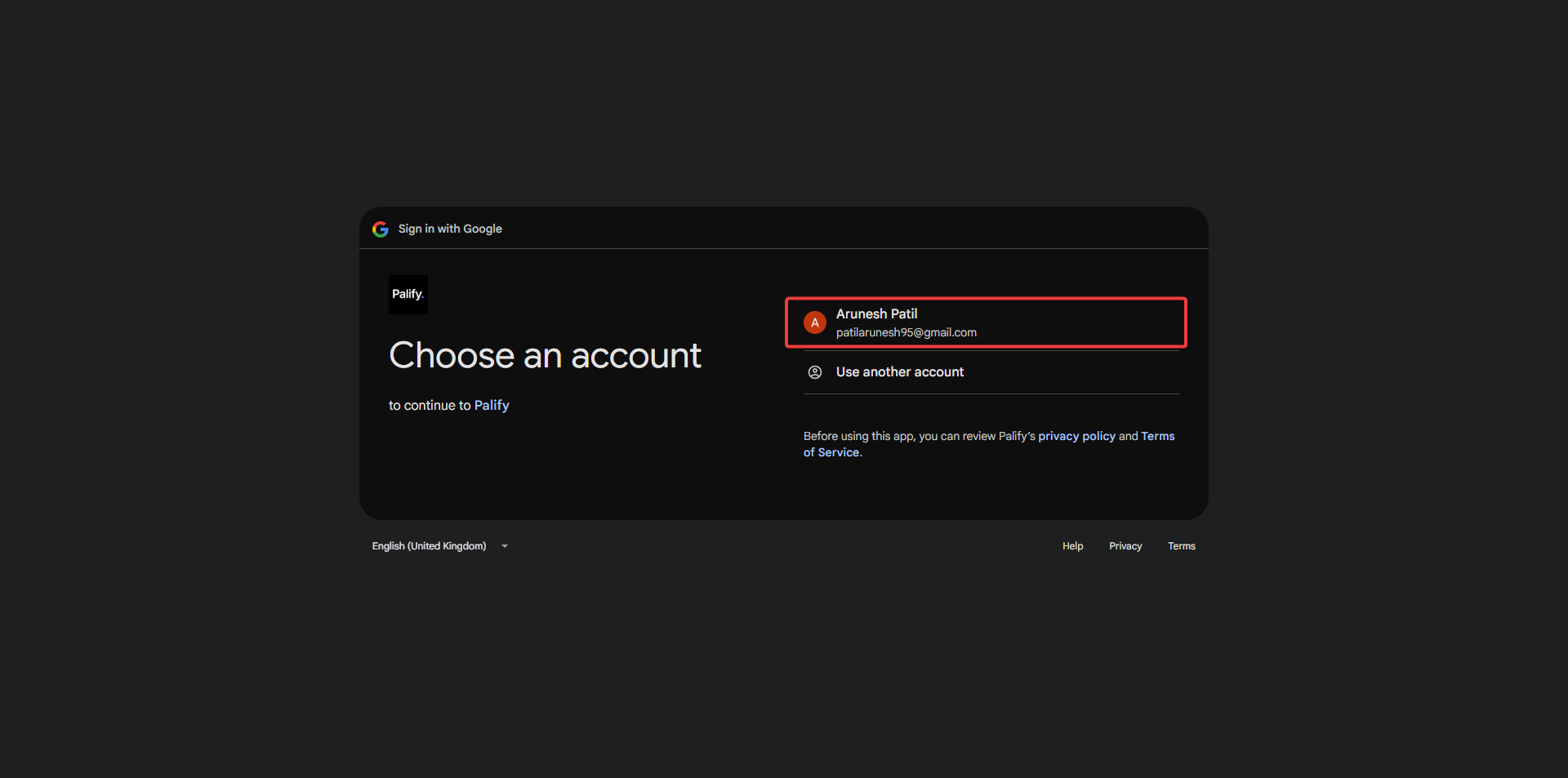
- Before completing sign-in, review plfy.xyz’s Privacy Policy and Terms of Service to understand how your data is handled and protected.
- You can adjust your data sharing preferences anytime via your Google Account settings.
- For more information, see Learn more about Sign in with Google.
- After clicking Continue, you will be securely logged in to Palify.
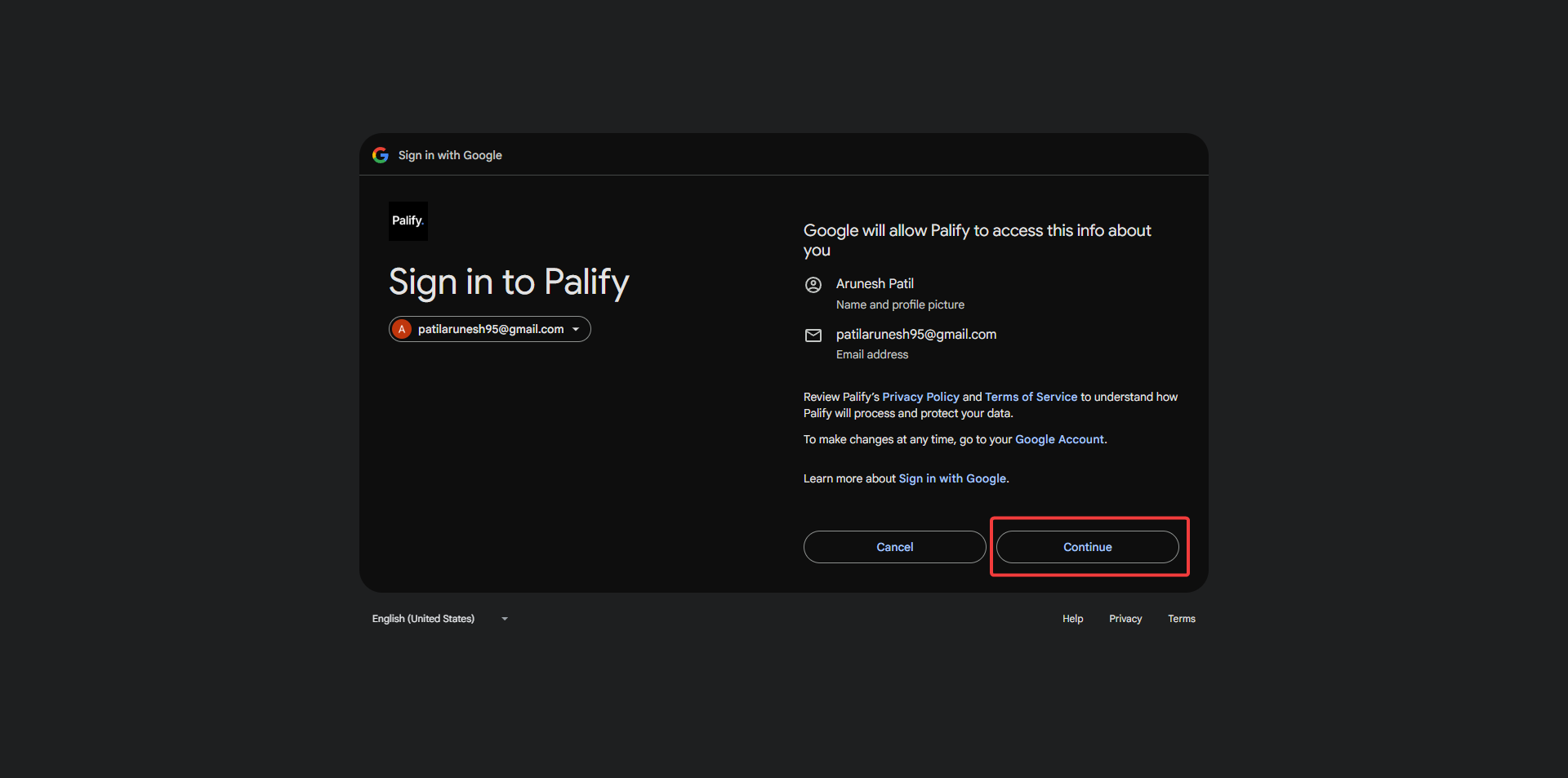
Continue with LinkedIn
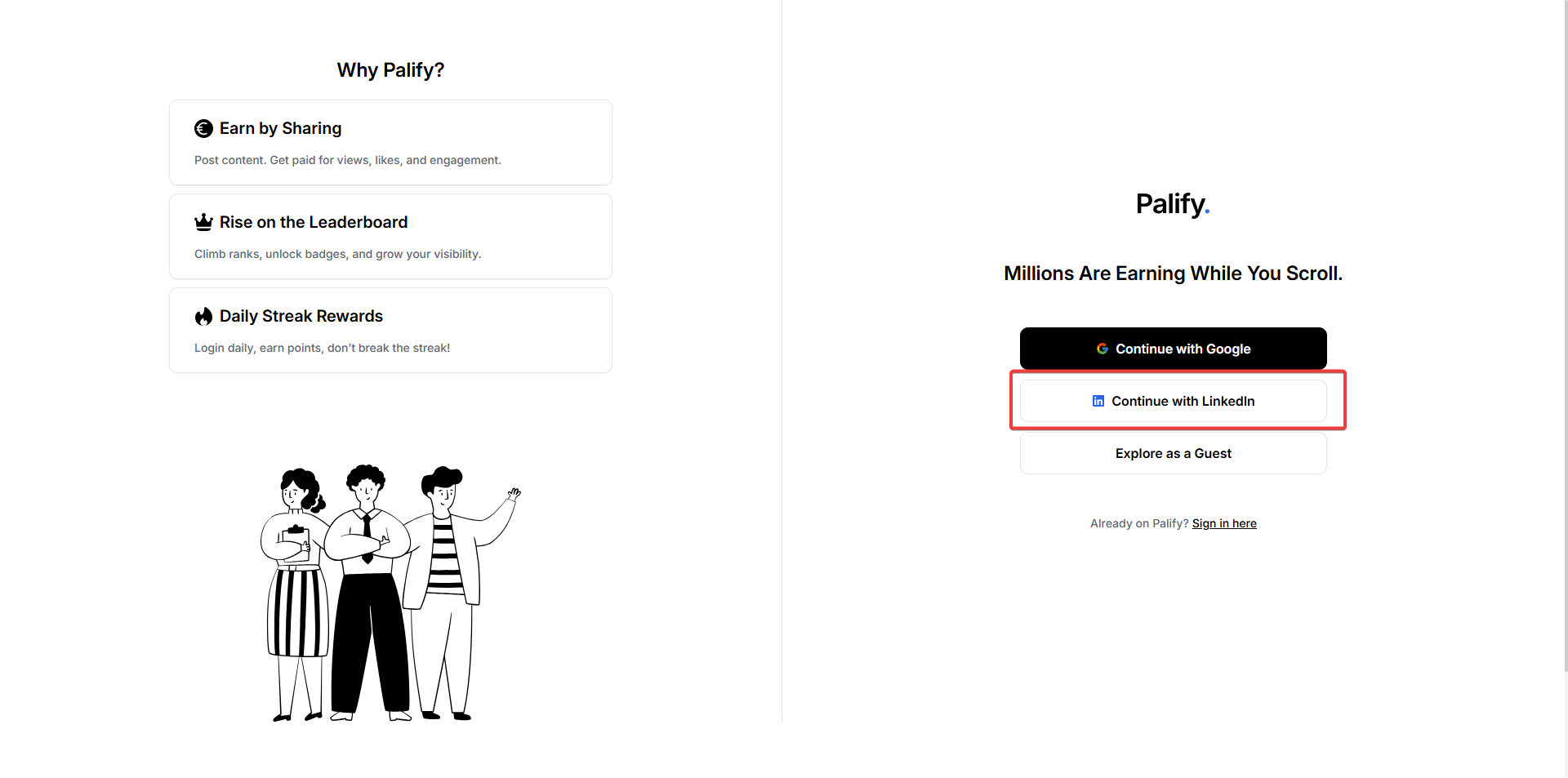
- Click Continue with LinkedIn to be redirected to LinkedIn’s login page.
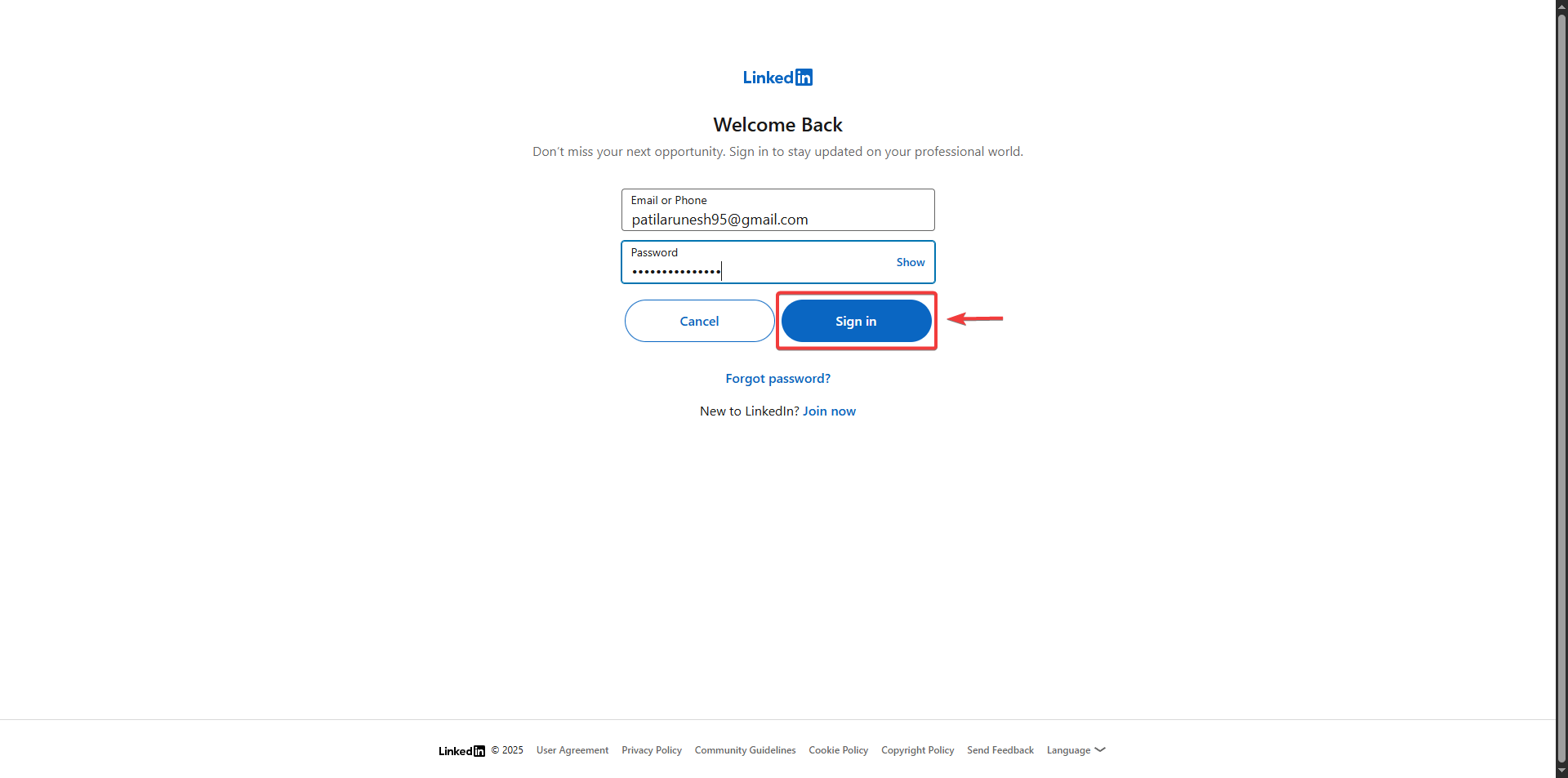
- Enter your LinkedIn credentials and click the sign-in button.
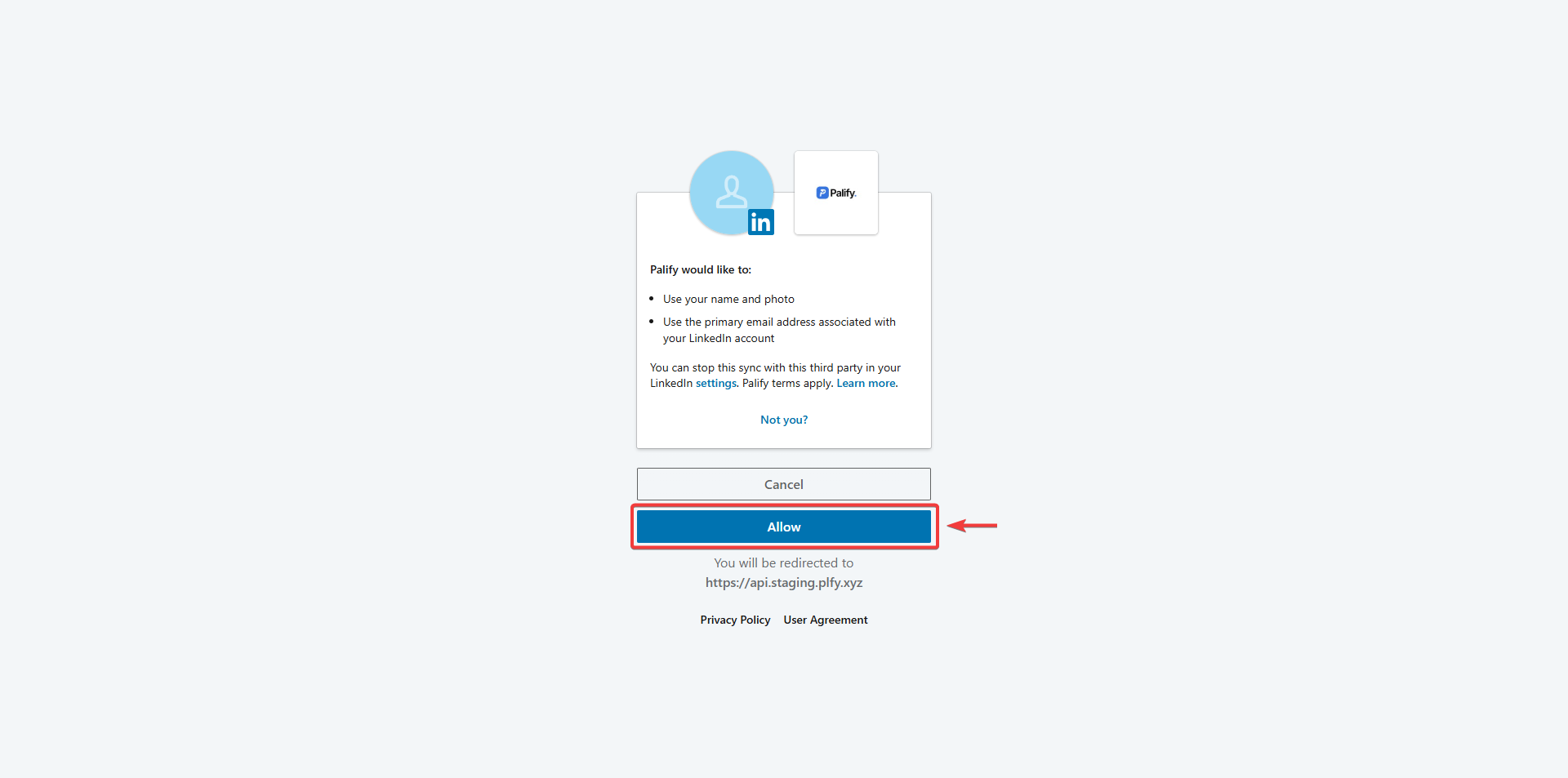
- Review Palify’s data handling policies as part of LinkedIn’s authorization process.
- Click Allow to authorize Palify to access your LinkedIn profile information.
- Once confirmed, your account will be created, and you will be logged in.
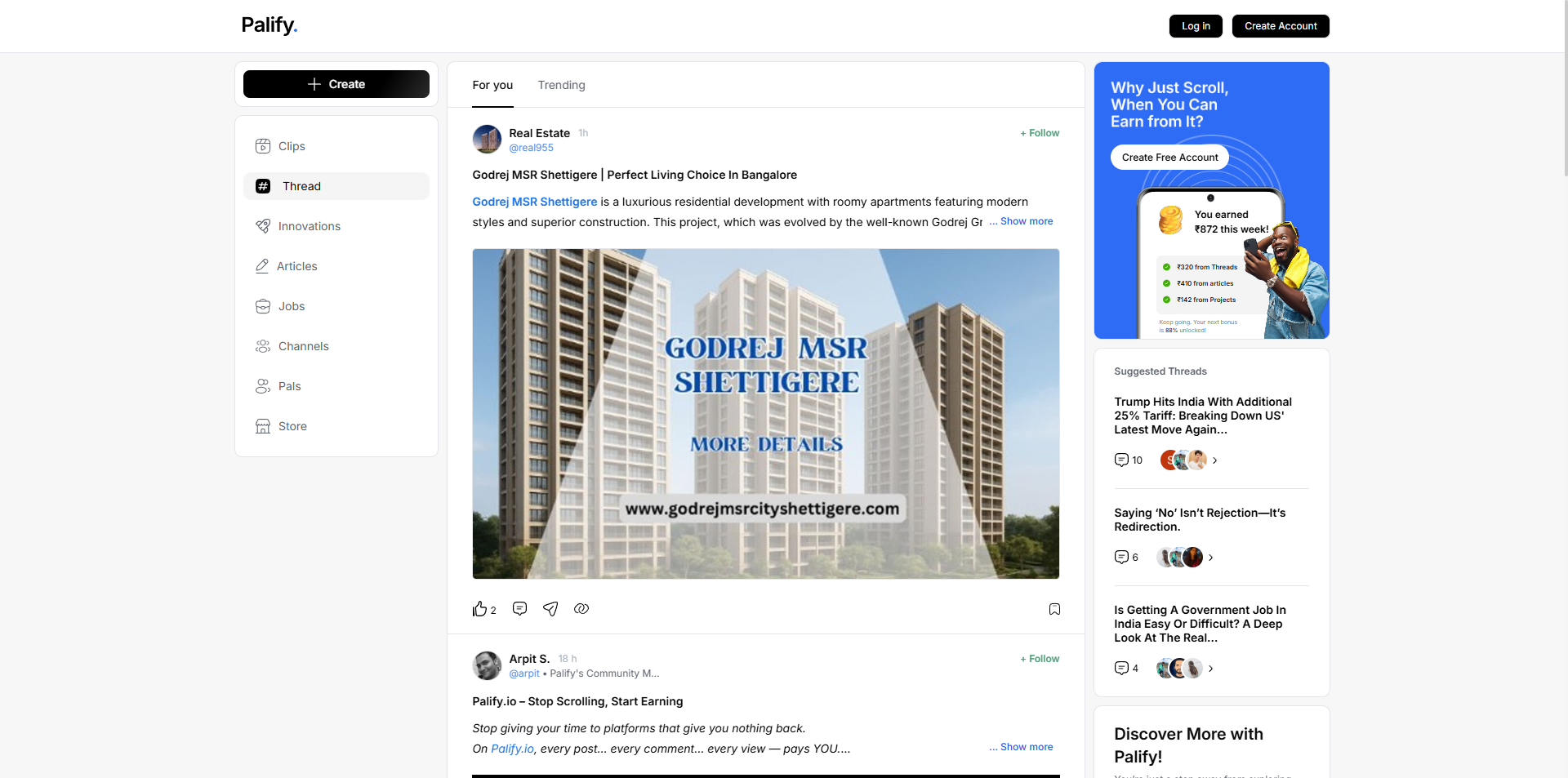
Explore as a Guest
- Lets you browse parts of Palify without creating an account.
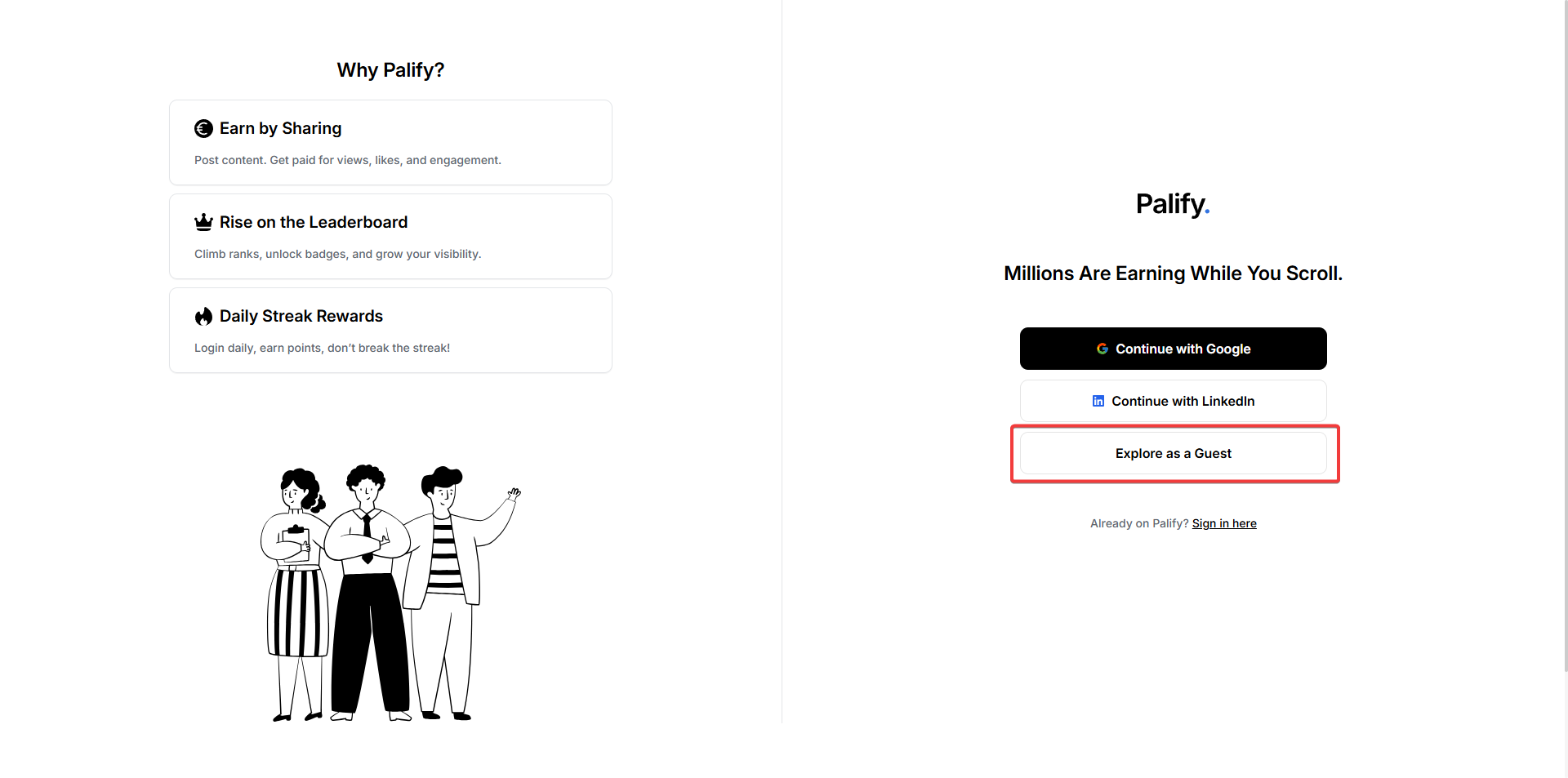
- Guest users can view modules like Clips, Thread, Innovation, Article, Jobs, Channels, Pals, and Store.
- Guests cannot like, comment, or create content without signing in.
Palify Sign In Page
The Sign In page allows existing users to securely access their accounts, with several login options.
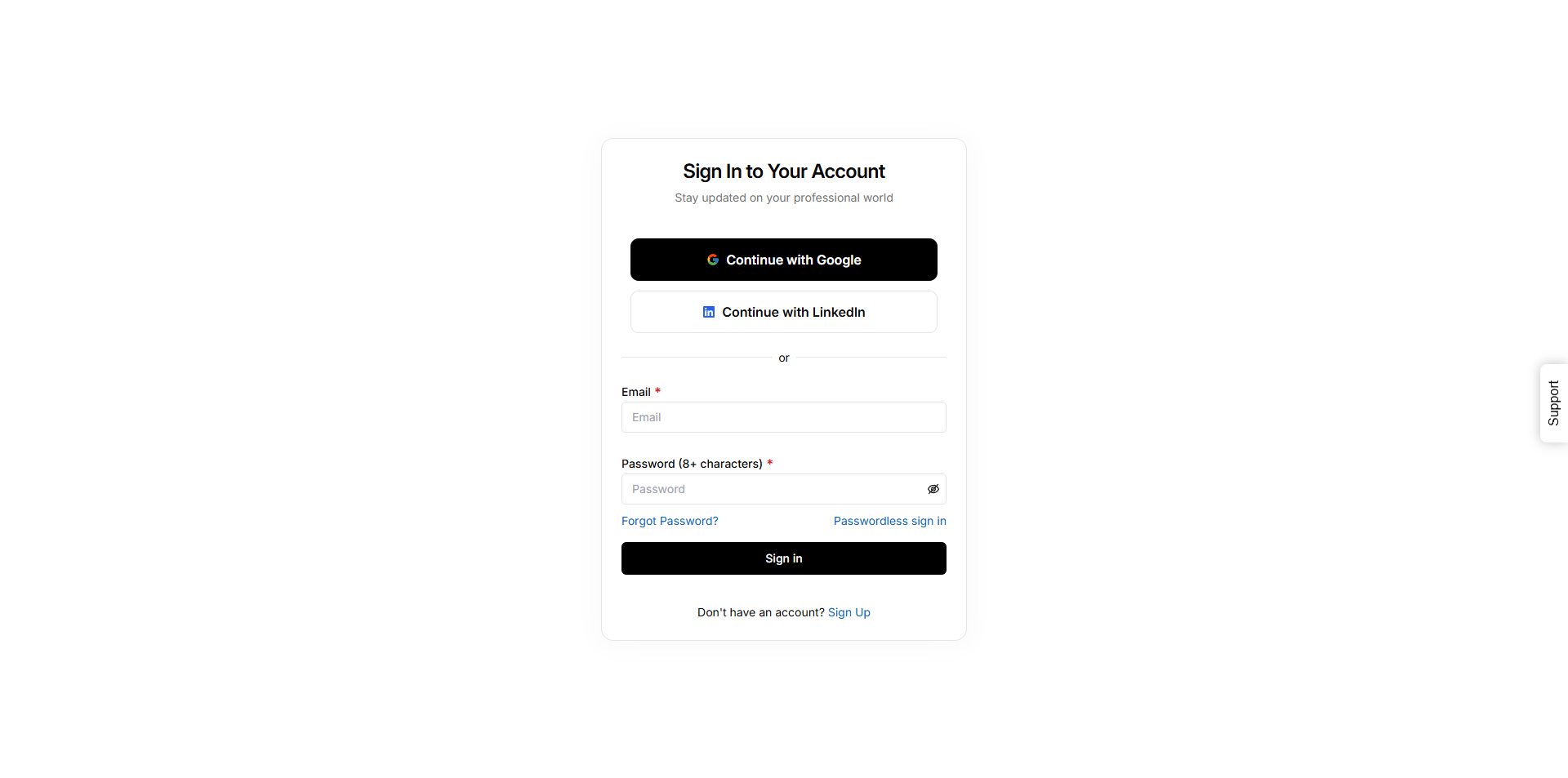
Sign In Options
Continue with Google
- Sign in using your Google account.
- Redirects to Google’s sign-in page for credentials and authorization.
- Works for both new account creation and existing users.
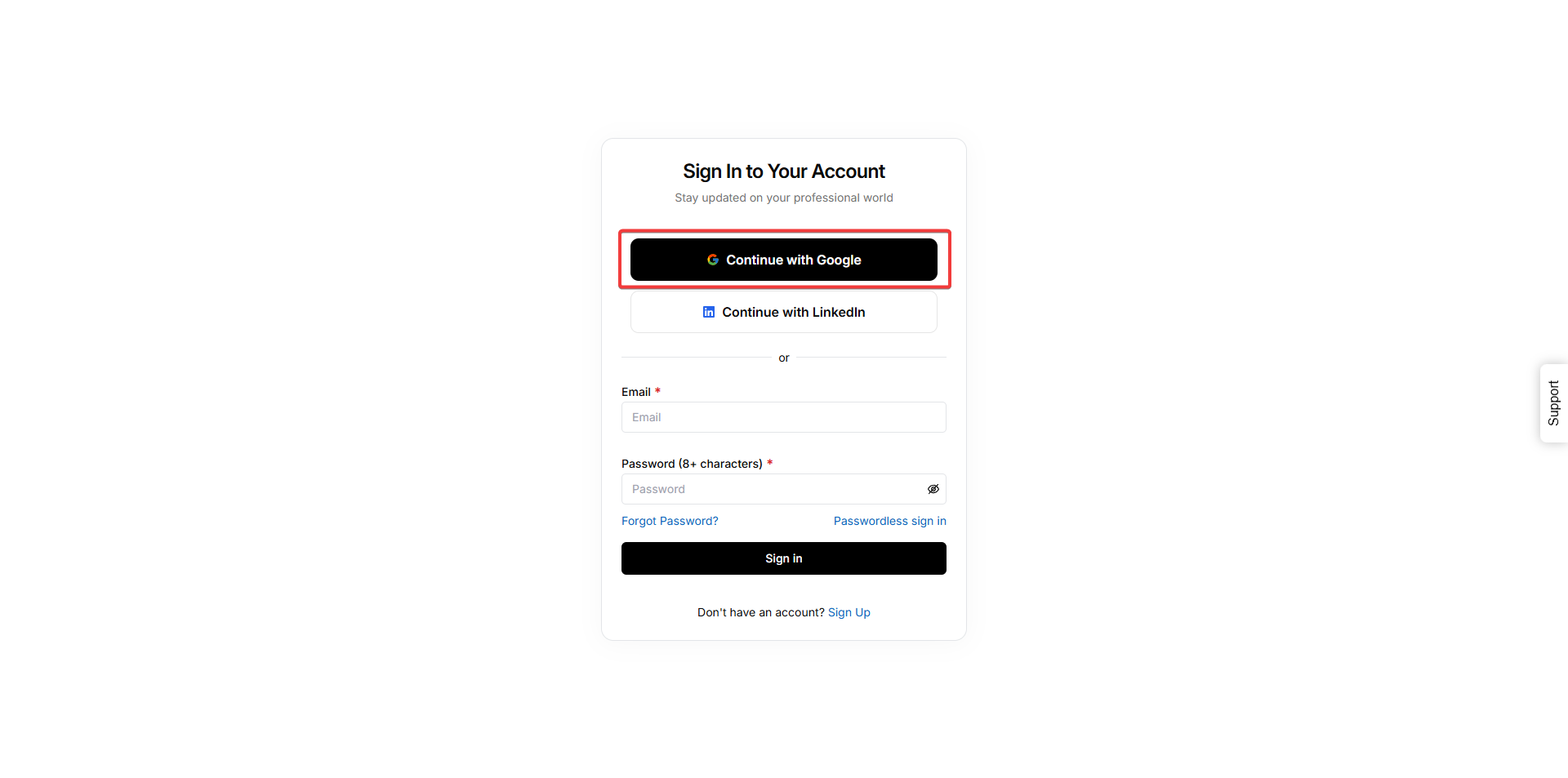
Continue with LinkedIn
- Sign in with LinkedIn credentials.
- Redirects to LinkedIn login and authorization page.
- Works for both new sign-ups and existing LinkedIn-linked accounts.
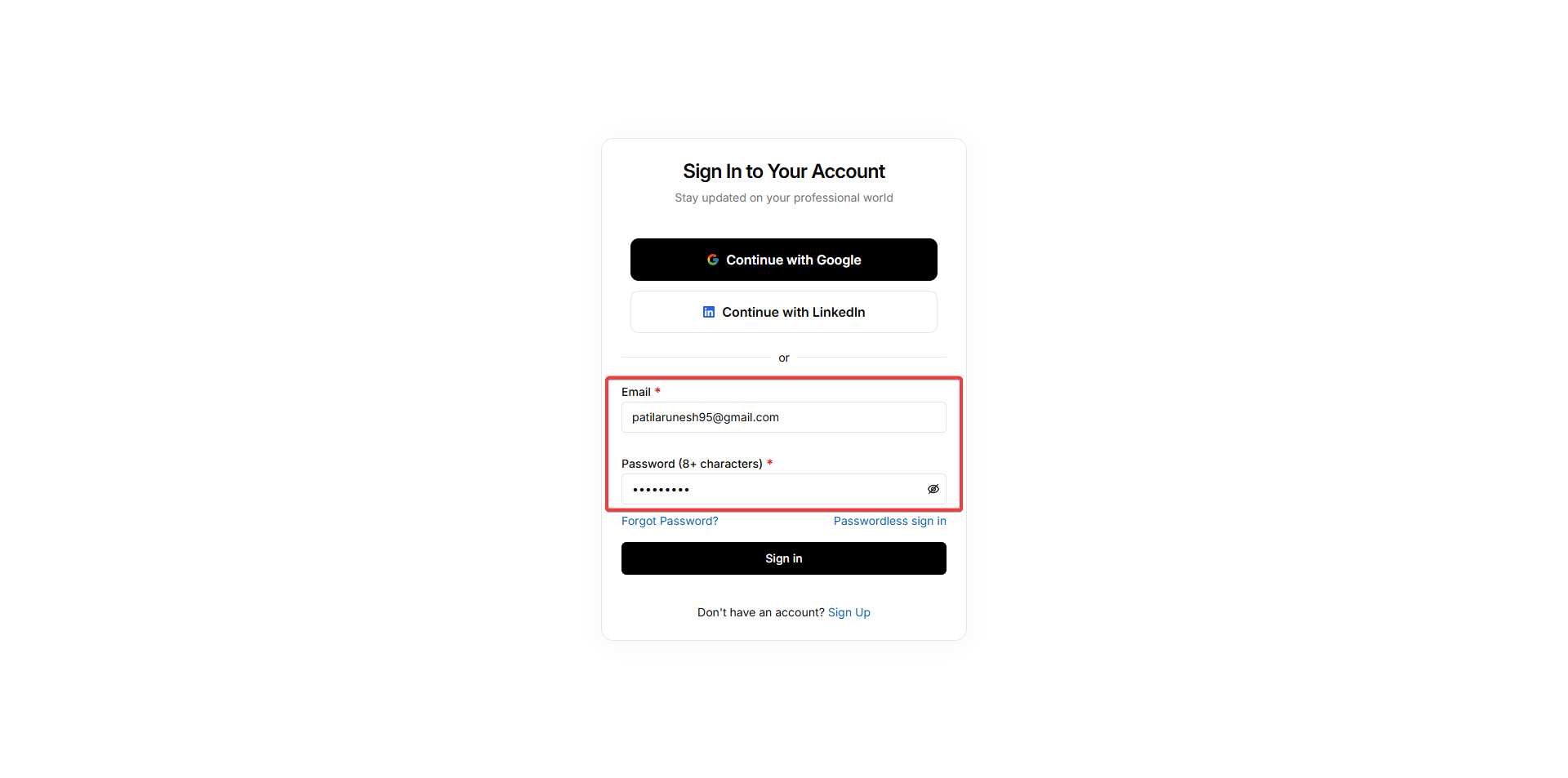
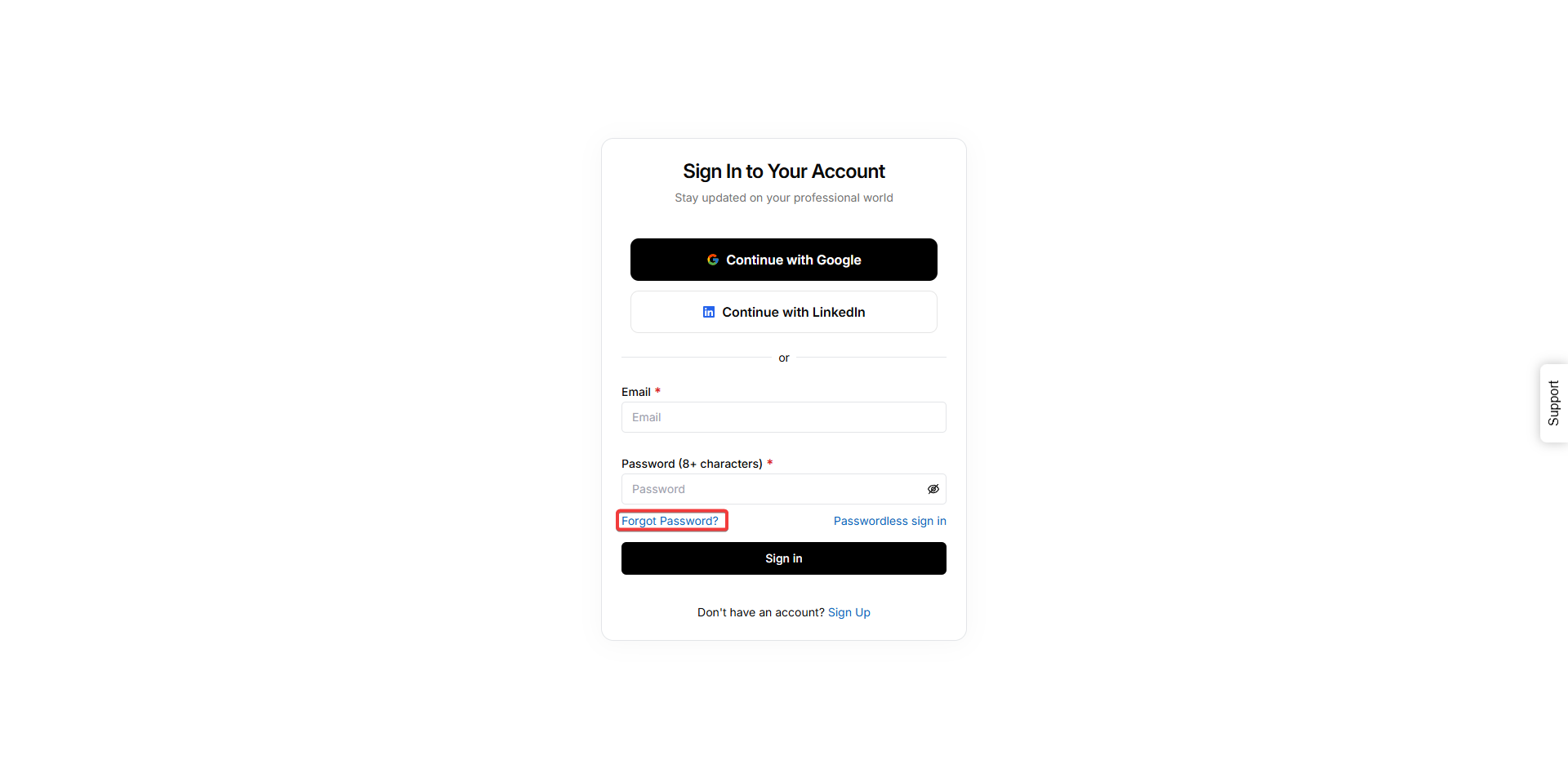
Email and Password (Standard Sign In)
- Only available for existing accounts created with email/password.
- Enter your registered email and password (min. 8 characters).
- New users must use Google or LinkedIn to sign up.
Passwordless Sign In
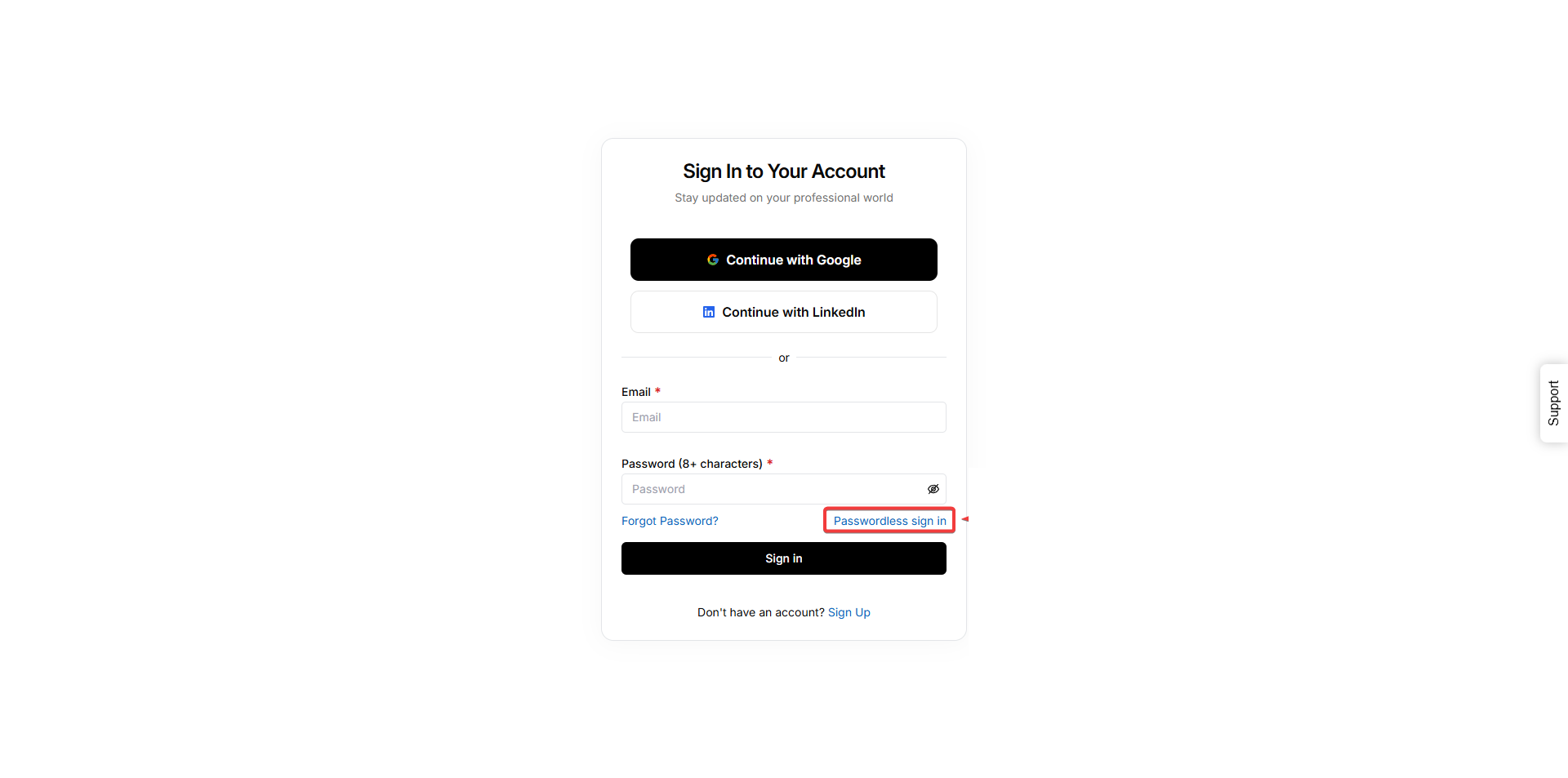
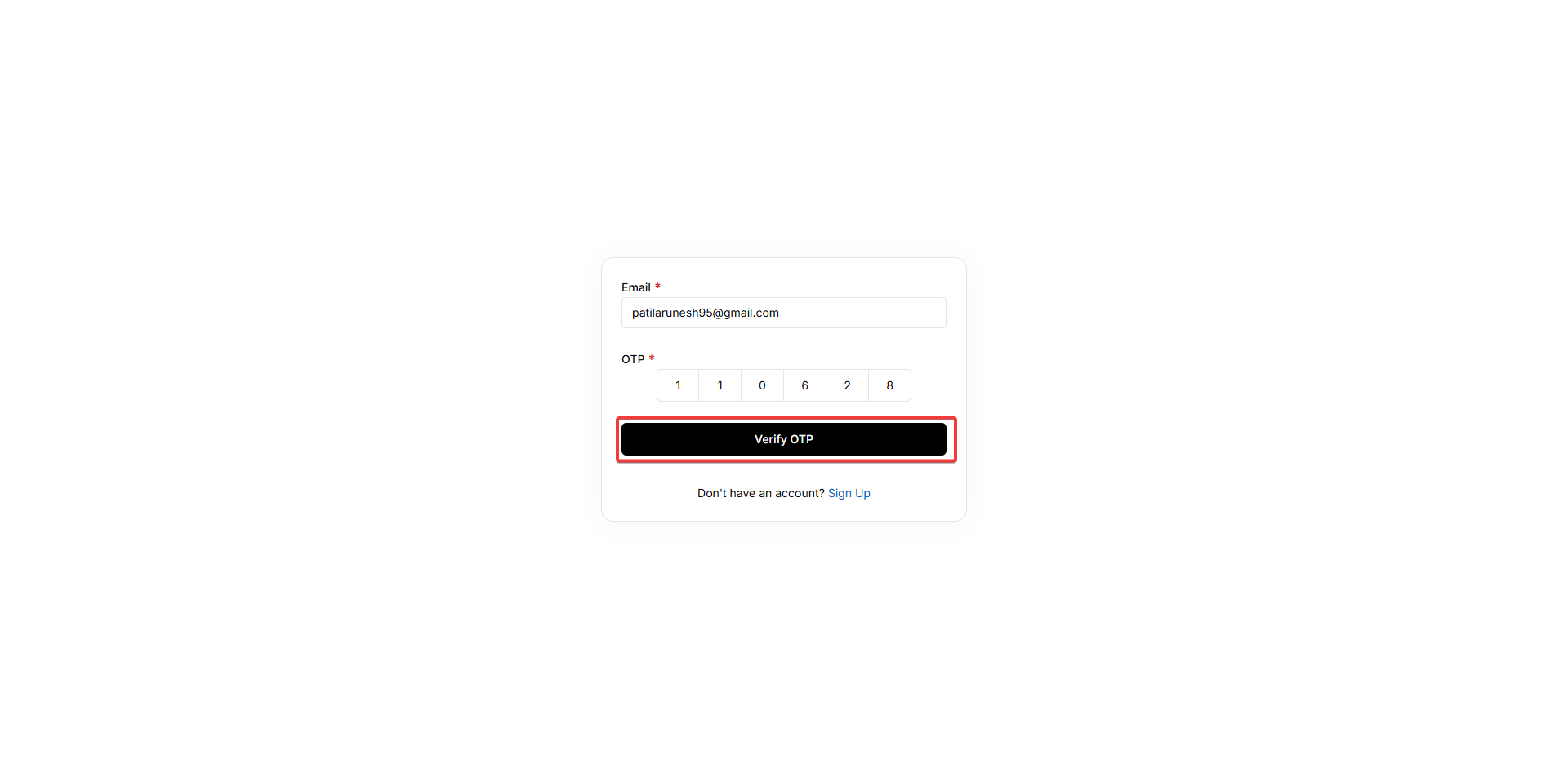
- Click on Passwordless Sign In
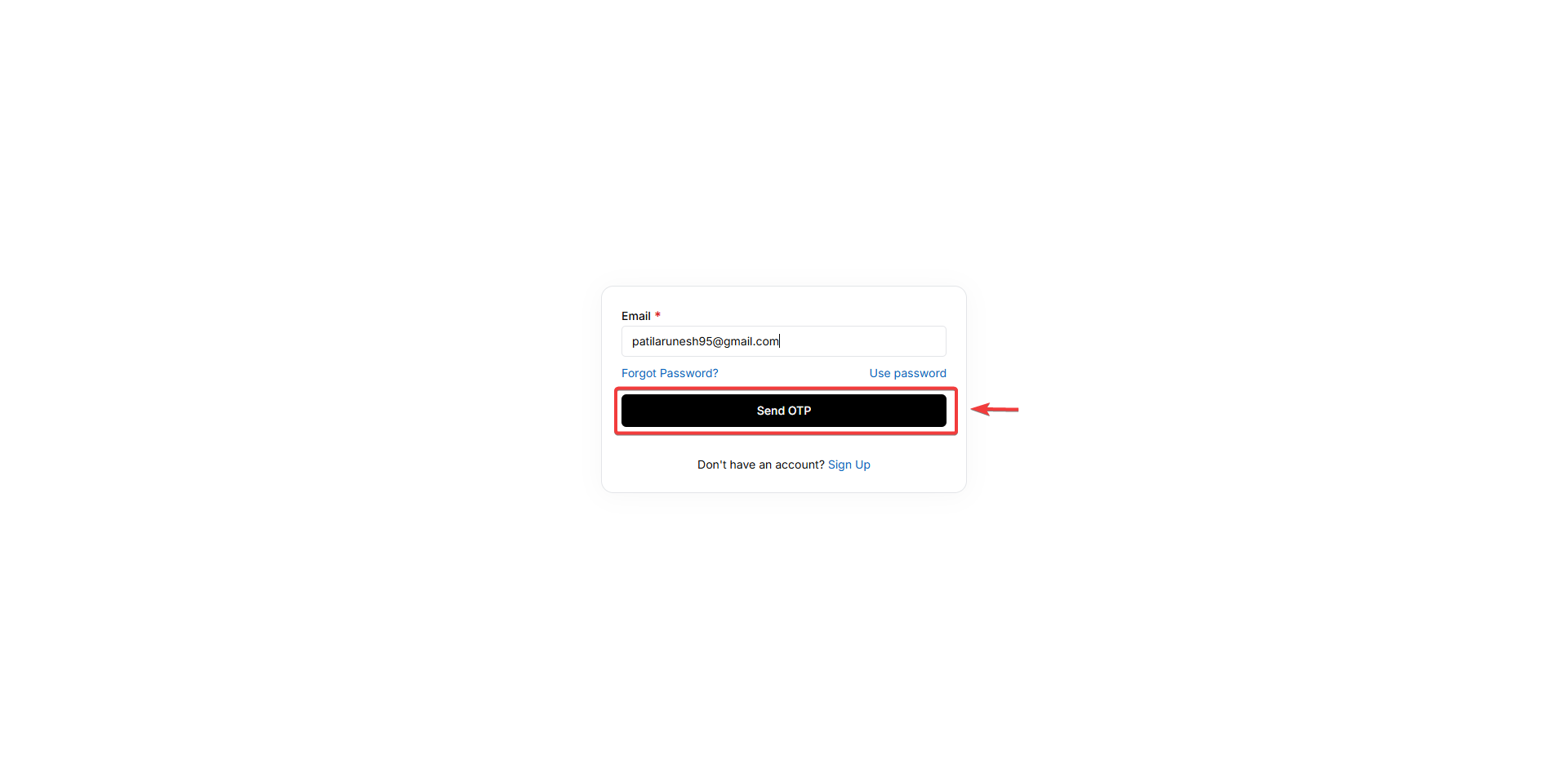
- Enter your registered email and click Send OTP.
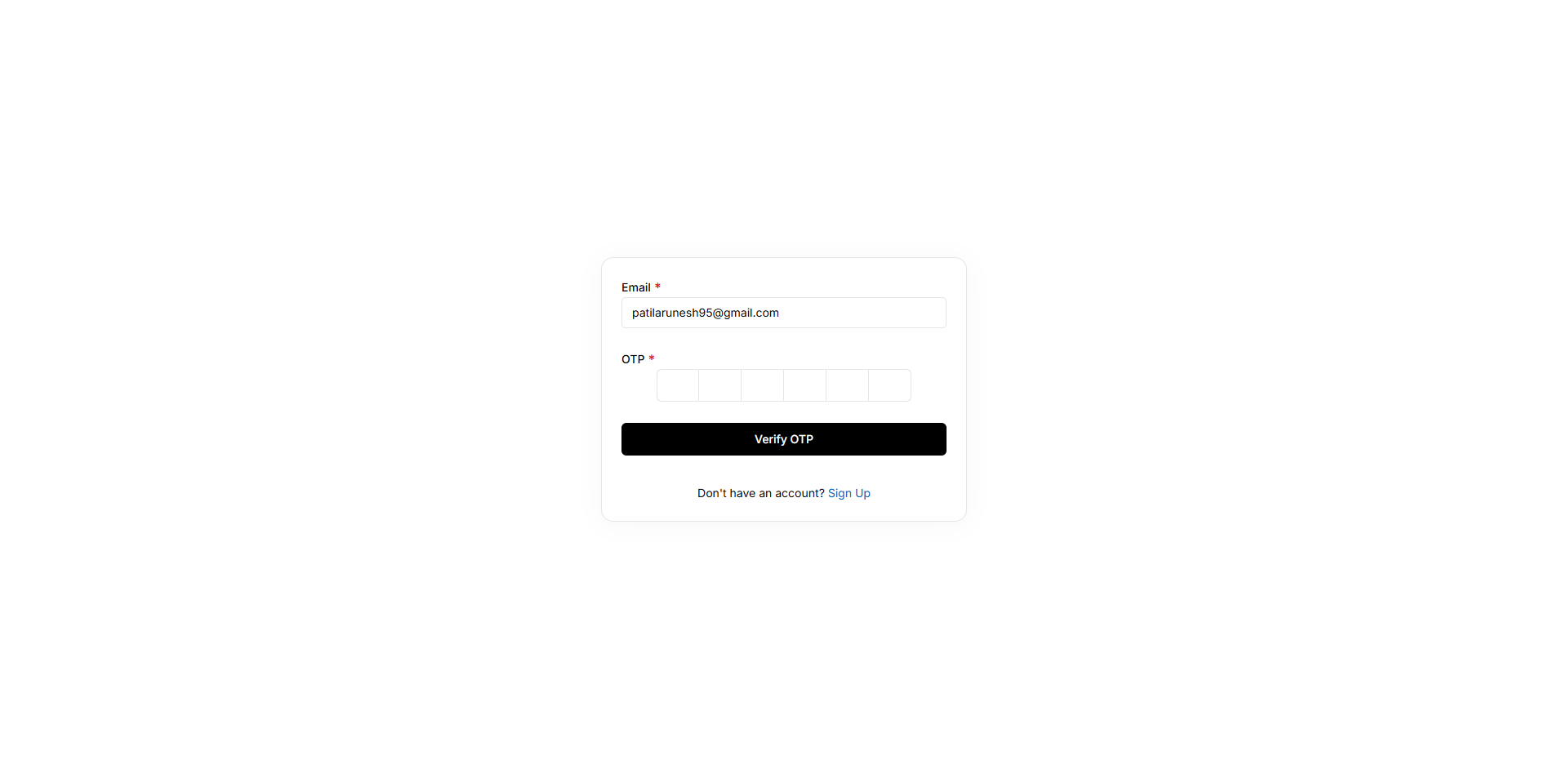
- Retrieve OTP from your email and enter it in the verification field.
- Click Verify OTP to log in.
Forgot Password?
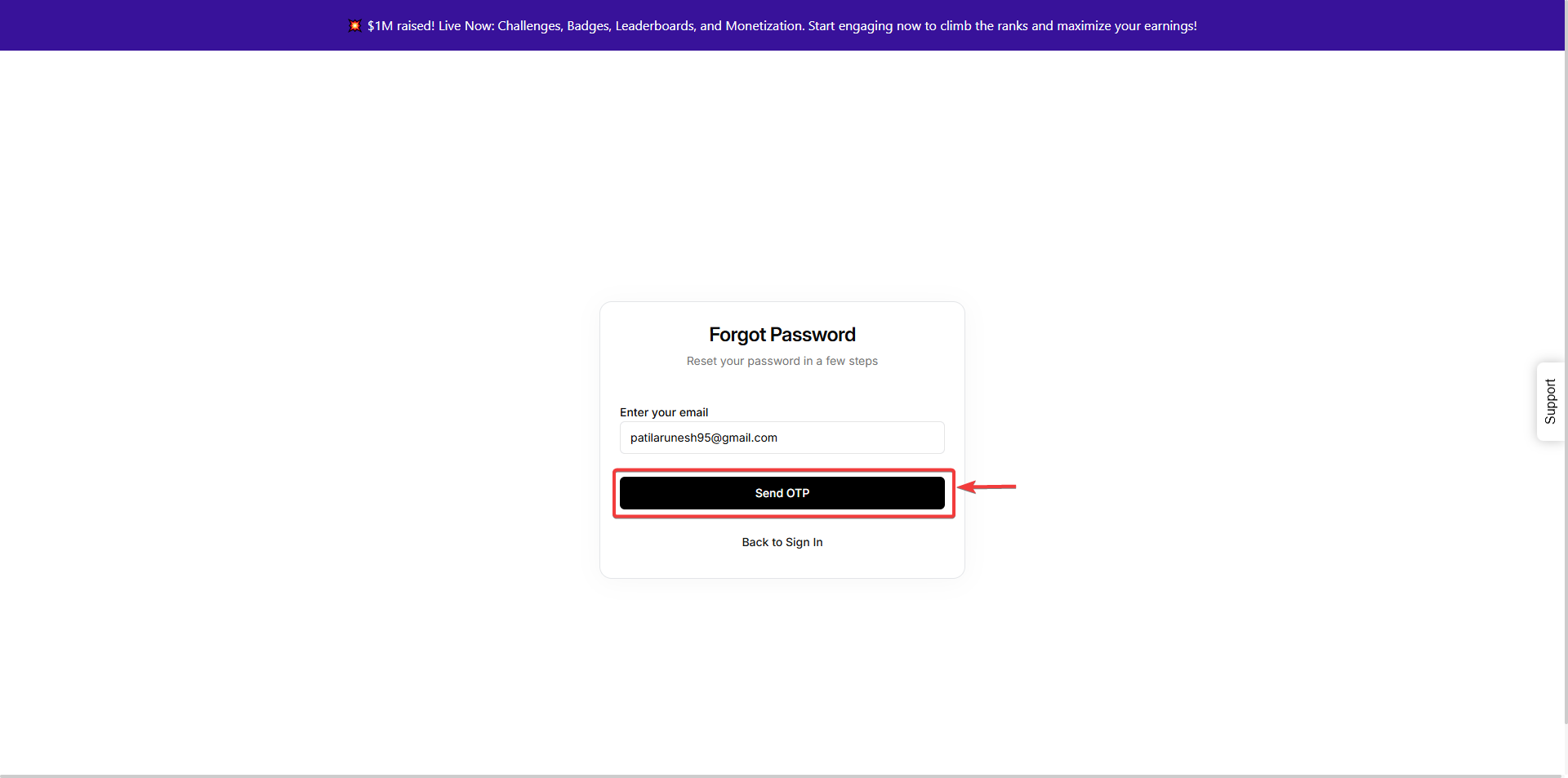
- Click Forgot Password? on the sign-in page.
- Enter your registered email and click Send OTP.
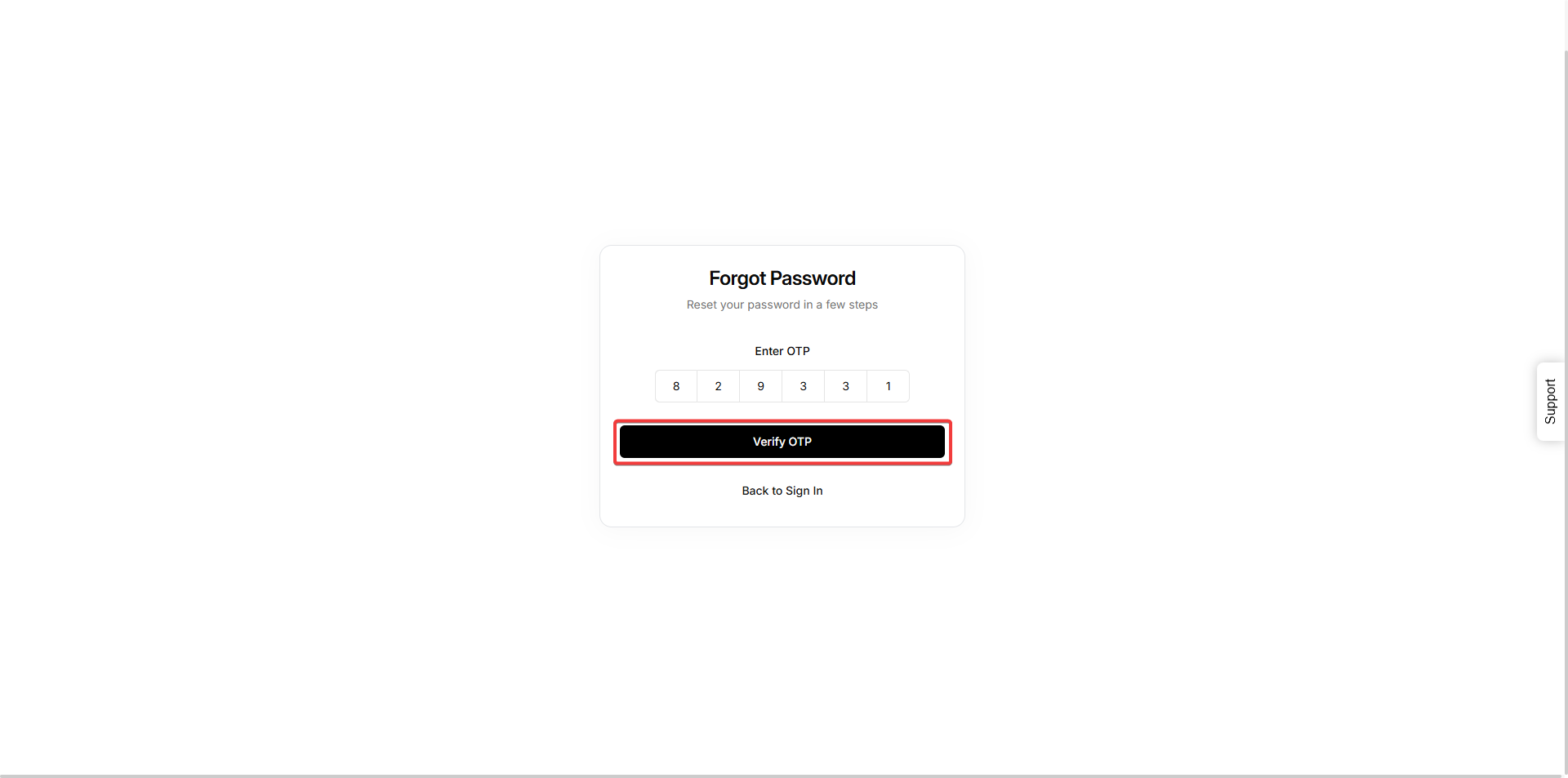
- Check your email for OTP and enter it in the verification field.
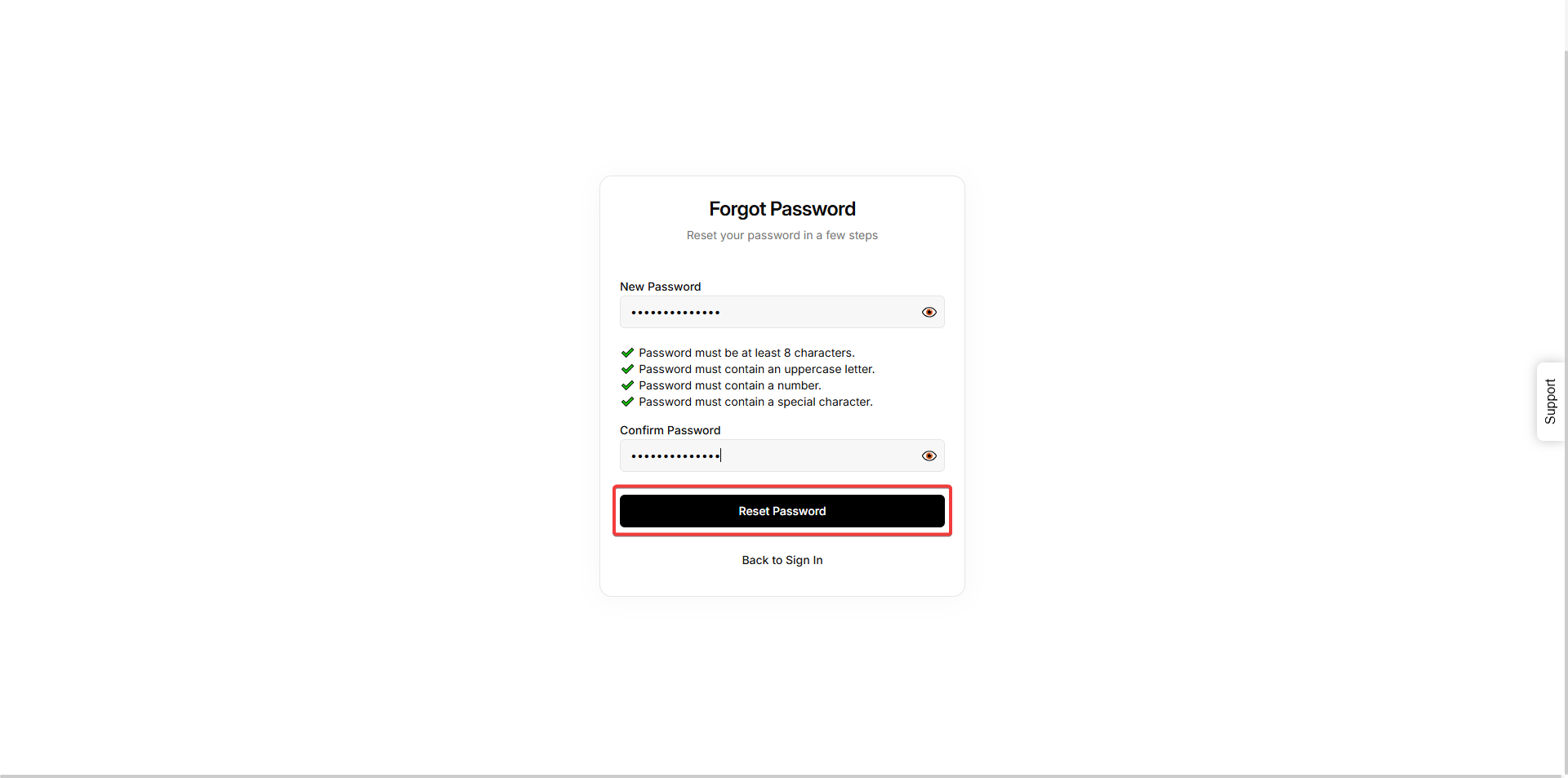
- After verifying, create and confirm your new password. Click Reset Password to save changes.
Important Note for New Users: Sign up using Continue with Google or Continue with LinkedIn only. Regular email/password sign-up is not available for new accounts.